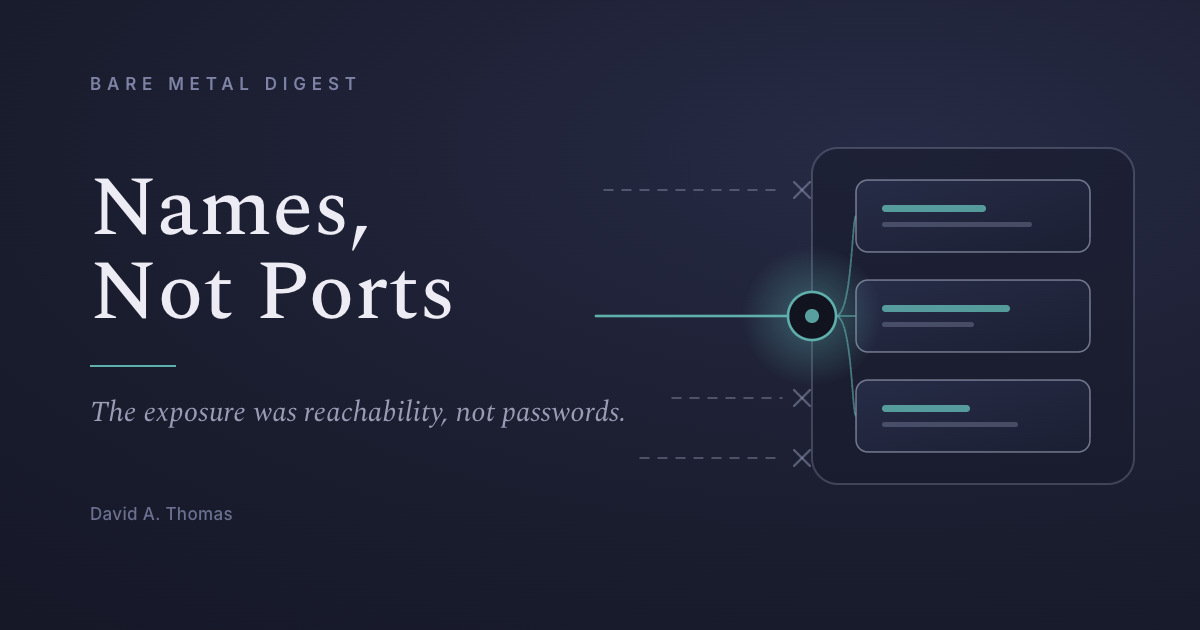
Yesterday seven of my applications answered to numbers. Today they have names.
That sounds cosmetic. It was not.
Here is what the fleet actually looked like before. Six services on a Dell in the corner of the house, one on a rented server in Montréal. To reach any of them I clicked a bookmark. There is a browser folder with the whole fleet in it — the household watchlist at 192.168.1.53:5190, the rental tracker at :5173, the solar dashboard at :5179 — and I could not have recited one of those numbers if you had asked. The bookmarks held them so I never had to. Four of them were bound to every network interface on the machine — five listeners, once you count an app's front and back halves separately — which is a technical way of saying that anything on my home wifi could reach them: a guest's phone, the television, whatever a smart plug is really doing. Most of them have no login at all. That was a deliberate choice — they are single-user tools for one household, and a password on each would have been theatre I'd have to maintain.
The seventh was worse. My fleet dashboard — the thing that can restart production services — sat on the public internet behind a username and a password. The password was long, random, and kept in 1Password — that part done properly, and beside the point.
I want to be precise about which of those two situations was the real problem, because I had it backwards. The apps with no password were not the exposure. The exposure was reachability. An unauthenticated app that nothing can connect to is fine. An authenticated app that the entire internet can connect to is one password away from someone else's afternoon.
So the change was not to add logins. It was to make the applications unreachable, and then to hand out reachability deliberately, one person at a time.
Each service now binds only to the machine's own loopback address — it will not answer anything arriving over the network at all. In front of them sits Tailscale, which gives each application its own name, its own TLS certificate, and its own entry in an access policy. When my wife joins she will get the rental tracker and the household watchlist; my son, the watchlist and the fleet dashboard. Nobody gets anything they were not named for. The policy is about ten lines of JSON, and it is the whole of my identity infrastructure.
A company of one has the same problem as a company of five hundred — internal tools that staff need and strangers must not have — and none of the machinery. No single sign-on, no VPN concentrator, no identity team, no budget for any of it. The conventional answer is to put the tool on the internet and defend it with a password, which is what I had done, and which is the arrangement that ends up in the breach notifications. The other answer is that the tool is never on the internet, and the network itself decides who reaches it. The free tier covers six users and unlimited devices. For most small businesses that is the whole company.
Two things I did not expect, one good and one a warning.
The good one: the proxy tells the application who is calling. Every request arrives stamped with the tailnet identity of whoever made it — a real email address, on a request that never saw a login form. So I can have no password and know exactly who restarted a service. I tested whether that could be faked by sending a forged identity header from my laptop, and the proxy overwrote it with my real one before the application ever saw it. That combination — no login screen, but genuine attribution — is one I did not know was on offer.
The warning is about where that trust comes from. The stamp is trustworthy because nothing except the proxy can reach the application. From inside the machine it proves nothing — any program running there can connect directly and claim to be anyone. The first version of the new login scheme trusted the stamp anyway. One AI wrote it; a second AI, sent in with instructions to be unpersuaded, broke it by adding a single line to a command. The pull request was rejected four times, redesigned once from the ground up, and passed on the fifth attempt. Every rejection found something real. Two found problems the previous fix had introduced.
That is not an argument against the approach. It is an argument for putting the boundary somewhere you cannot forget to apply it. A password is a control you can leave off. A network that will not carry the packet is a control that applies whether or not anyone remembered.
The morning after, my rental tracker — which runs on the Dell in the corner of the house — sent its fortnightly rent notice on schedule, and I marked it paid from my phone in a cafe, over a name that had not existed the day before. No password, no VPN client to launch, nothing to remember. The names do not care where I am: the production dashboard reaches the same phone, and the pull requests behind this essay's corrections were reviewed and merged from a cafe table too. The software in the house has stopped being confined to the house. The security got stricter and the day got easier, which almost never happens at the same time. The bookmarks survived, by the way. They just point at names now.
The standard I would offer, for the log and for anyone smaller than an IT department: an internal tool should be one you could safely leave unauthenticated. If that idea alarms you, the tool is on the wrong network.